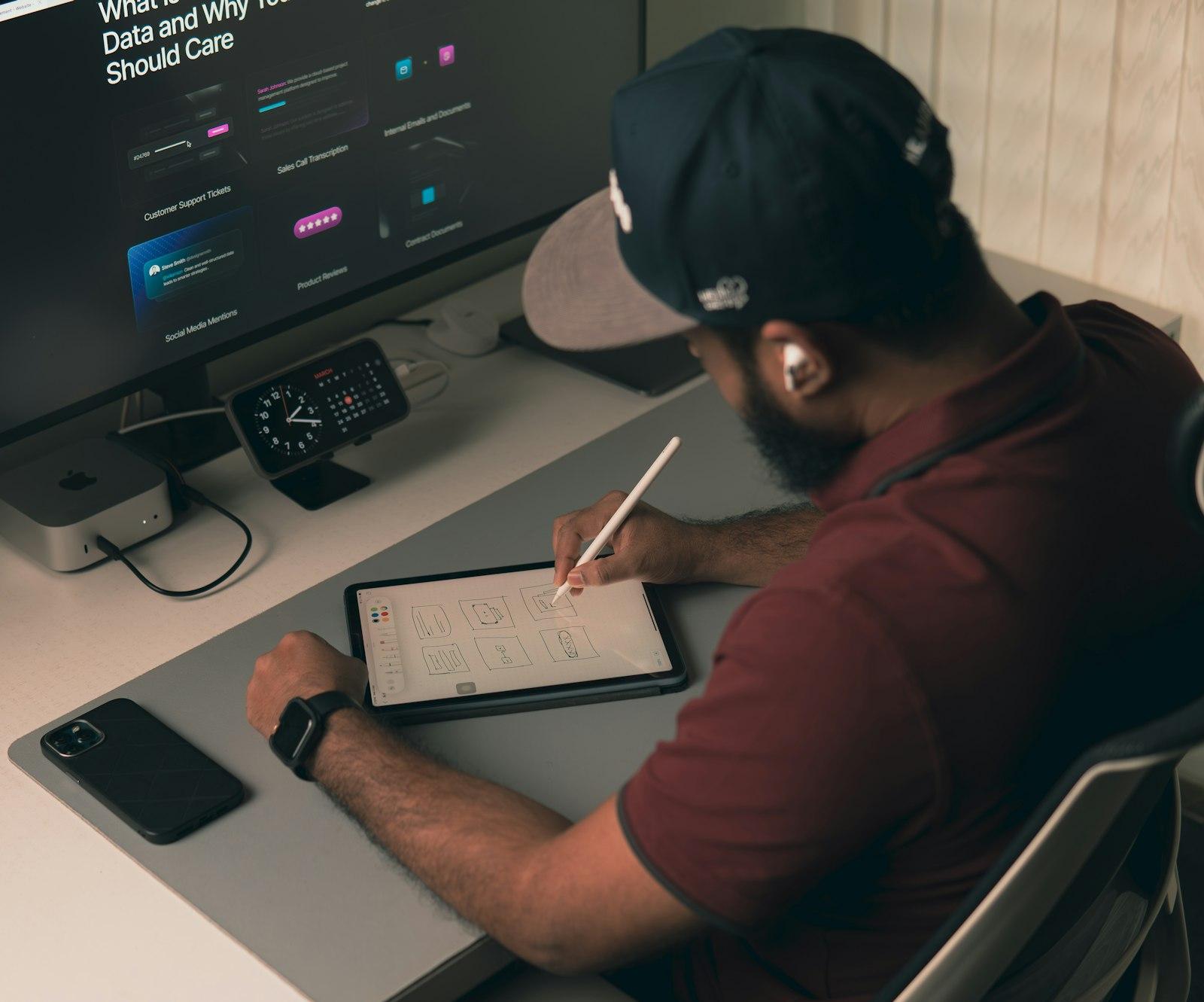
UX/UI Designer responsibilities
- Design user flows, wireframes and high-fidelity screens
- Design websites, landing pages and marketing pages
- Build and maintain components and styles in Figma
- Create interactive prototypes for reviews and tests
- Prepare clear handoff for developers and review the built result
- Improve usability and accessibility of existing screens
What to require
- Professional experience designing interfaces for web or mobile products that shipped
- A portfolio that shows flows, final UI and the reasons behind key decisions
- Advanced Figma skills: components, variants, auto layout and prototyping
- Solid visual fundamentals: typography, layout, color and spacing
- Professional English for daily written and spoken work, verified in interview
- Able to work your business hours from a time zone 0 to 3 hours from the US
What a UX/UI designer's work looks like
A UX/UI designer makes your product and website easy to use and good to look at. UX is how it works: the flows, the structure and the steps a user takes. UI is how it looks: layout, typography, color, components and the details of every state. A UX/UI designer does both, from wireframes to polished screens ready for developers.
Companies hire a UX/UI designer when every screen looks a little different, when developers guess spacing and colors, when the website and the product feel like two different brands, when landing pages convert poorly, or when a backlog of design requests waits on one overloaded person. A good UX/UI designer makes the team ship faster, because developers build from complete, consistent designs.
UX: flows and structure
- User flows and wireframes for new features and pages
- Information architecture that makes navigation predictable
- Usability reviews and quick tests on key flows
UI: interface and visual design
- High-fidelity screens for web and mobile, in your brand
- Every state designed: empty, loading, error and success
- Accessible contrast, readable type and clear focus states
Systems and delivery
- Components, styles and tokens in Figma that match the code
- Prototypes for stakeholder reviews and user tests
- Developer handoff with specs, and review of the built result
Which UX/UI designer do you need?
| Focus | Best for | What they own |
|---|---|---|
| Product UI designer | Software products with frequent releases | Screens, components, states, handoff |
| Web and landing page designer | Marketing sites and campaigns | Pages, layouts, conversion-focused design |
| Mobile app designer | iOS and Android products | Native patterns, gestures, app flows |
| Design system designer | Teams with several products or squads | Component libraries, tokens, documentation |
| UX-focused designer | Complex workflows and dashboards | Flows, information architecture, usability |
Many small teams need one designer who can handle product UI and the marketing website, so the brand stays consistent across both.
UX/UI designer or another profile?
- Choose a UX/UI designer when you need well-designed screens, pages and components, consistently delivered.
- Choose a Product Designer when you also need deep user research and a designer who shapes what gets built.
- Choose a React Developer when designs are ready and the bottleneck is building them.
- Choose a Paid Ads Manager when the goal is more traffic, and the pages already convert well.
How a remote UX/UI designer fits into your team
Share brand and existing files
Brand guidelines, logos, fonts, current Figma files and the component library in code, if you have one. A designer who starts from what exists keeps the product consistent.
Define how requests come in
One place for design requests, with the problem, the users and the deadline. Clear requests save rounds of revisions.
Pair them with a front-end developer
Agree on names for components, spacing and colors in Figma and in code. A designer and a developer working from the same system save weeks.
Hold short design reviews
Regular reviews where feedback focuses on the problem and the users, not personal taste. With 0 to 3 hours of time difference, reviews happen live.
Review the built result
Design is not done until it ships. Give your designer time to check staging builds and file fixes before release.
Measure what improves
Fewer design-related bugs, faster delivery of features, better conversion on redesigned pages and fewer usability complaints.
The UX/UI toolkit: what to require and what is nice to have
| Area | Require | Nice to have |
|---|---|---|
| Design tools | Figma: components, variants, auto layout, prototyping | Variables, tokens, plugins, FigJam |
| Visual design | Typography, layout, color, spacing, consistency | Illustration, iconography, brand design |
| UX | Flows, wireframes, information architecture | Usability testing and research synthesis |
| Systems | Using and extending a design system | Building one from scratch, documentation sites |
| Accessibility | WCAG contrast, focus states, readable text | Screen reader testing, accessibility audits |
| Web | Designing responsive pages for desktop and mobile | Building pages in Webflow or Framer |
| Collaboration | Handoff, specs and design QA with developers | Basic HTML and CSS |
| Motion | Simple transitions and hover states | Micro-interactions, Lottie or After Effects |
Common mistakes when hiring a UX/UI designer
Choosing on screenshots alone
Pretty screenshots can hide weak flows. Ask candidates to explain how a design works, step by step, and why.
Long unpaid design tests
Big free tasks on your real product drive good designers away. Use a short, scoped exercise instead.
No design system
Without shared components, every new screen starts from zero and drifts. Make the system part of the job.
Forgetting mobile and edge states
A design that only shows the happy path on desktop is half a design. Ask for mobile layouts and error states.
Signature or Core for a UX/UI designer
Both tiers can be equally senior. The difference is spoken English and experience working for foreign companies.
| Signature | Core | |
|---|---|---|
| Monthly price | $4,650 | $3,650 |
| Spoken English | C1 or higher, or B2 with foreign-company experience | B1 to B2 |
| Worked for US or EU companies | Usually yes | Not yet |
| Best for | Presenting work to stakeholders and testing with US users | Designing screens and components within an established system |
Much of UX/UI work happens in Figma and in writing, so Core fits well when a lead or product manager handles stakeholder conversations. Choose Signature when the designer presents to leadership or tests with English-speaking users.
How to interview UX/UI designer candidates
A portfolio walkthrough
Ask the candidate to present one project for 20 to 30 minutes: the goal, the users, the flows, the final UI and what changed after feedback. Ask why they chose specific layouts, components and states. You learn how they think and how they take feedback.
A short design exercise
"Here is our current pricing page and a short brief about our buyers. In two hours, redesign the page for desktop and mobile, with one alternative for the main section and a note on why it should convert better." Ask for rough but complete work, not pixel perfection.
Questions worth asking
- "How do you keep designs consistent across many screens?" Strong answers mention components, styles and documentation.
- "How do you design for accessibility?" Look for contrast, focus, text size and semantic structure.
- "A developer says a design is hard to build. What do you do?" Look for collaboration and simpler options.
- "How do you decide between two design options?" Expect users, goals and evidence.
- "Show me how you design empty and error states." Expect concrete examples.
- "How do you hand off designs to developers?" Look for specs, annotations and follow-up.
Scorecard
| Area | What a strong candidate shows |
|---|---|
| UX thinking | Clear flows and structure that match user goals |
| Visual craft | Consistent, polished, accessible UI |
| Systems | Builds with components and keeps them consistent |
| Collaboration | Works well with developers and takes feedback |
| Communication | Explains decisions clearly |
How Anderise screens UX/UI designer candidates
Every candidate we send has already passed three steps:
- An English conversation that places them as Signature or Core
- A portfolio interview on flows, visual decisions and collaboration
- A practical exercise: a short redesign for desktop and mobile
You then interview the candidates you like best and decide. You pay nothing until you pick someone.
What a good first 90 days looks like
Days 1 to 30
- Learns the product, brand, users and current design files
- Audits screens for inconsistencies and usability problems
- Ships a first set of improvements on a visible flow or page
Milestone: a clear list of design problems and first fixes live.
Days 31 to 60
- Owns design for new features or pages from wireframe to handoff
- Cleans up and extends components in Figma
- Sets up design reviews and a request process
Milestone: developers build from complete, consistent designs.
Days 61 to 90
- Aligns Figma components with the coded components
- Redesigns a key flow or landing page and measures the result
- Proposes the next design priorities with product or marketing
Milestone: a consistent product and website, with design no longer a bottleneck.
UX/UI designer cost: US salary vs Anderise
| Option | Monthly cost | What it includes |
|---|---|---|
| US hire (median) | $8,650 | Base salary only |
| Anderise Signature | $4,650 | All-in: talent, local payroll, contract |
| Anderise Core | $3,650 | All-in: talent, local payroll, contract |
On these numbers, Signature costs 46% less than the US median salary and Core costs 58% less, before you add US employer taxes, benefits and recruiting fees to the US side.
Hiring a UX/UI designer in Latin America
UX/UI designers in Latin America work from time zones 0 to 3 hours from US time, so they join design reviews, sprint planning and handoff sessions live with your product and engineering team.
With Anderise you do not need a local entity. We handle the contract and local payroll, and you pay one monthly invoice in USD by ACH or wire.
How hiring works
- A 20-minute call. You tell us about your product, brand and design needs.
- A shortlist. You get 2 to 3 interviewed candidates by an agreed date, within 10 business days of the call.
- Your interviews. You meet the candidates you like and choose one.
- Start. The first month is invoiced before the start date. If the hire is not a fit in the first 14 days, we find a replacement at no extra cost.
UX/UI Designer job description template
Use this as a starting point and cut what does not apply to your team.
About the role. We are looking for an uX/UI Designer to join our team and work closely with the people around them during US business hours.
What you will do
- Design user flows, wireframes and high-fidelity screens
- Design websites, landing pages and marketing pages
- Build and maintain components and styles in Figma
- Create interactive prototypes for reviews and tests
- Prepare clear handoff for developers and review the built result
- Improve usability and accessibility of existing screens
What we are looking for
- Professional experience designing interfaces for web or mobile products that shipped
- A portfolio that shows flows, final UI and the reasons behind key decisions
- Advanced Figma skills: components, variants, auto layout and prototyping
- Solid visual fundamentals: typography, layout, color and spacing
- Professional English for daily written and spoken work, verified in interview
- Able to work your business hours from a time zone 0 to 3 hours from the US
UX/UI Designer hiring FAQ
Through Anderise, a UX/UI designer costs $4,650 per month on Signature, the default option, or $3,650 per month on Core. Both are all-in prices on a 12-month term, on one monthly invoice, with payroll and contracts handled by Anderise and no deposit or placement fee. For reference, the median US salary for web and digital interface designers is $8,650 per month (BLS OEWS May 2025, SOC 15-1255).
Both can be equally senior. Signature UX/UI designers speak English at C1 or higher, or at B2 with experience working for foreign companies. Core UX/UI designers speak English at B1 to B2 and have not worked for foreign companies yet, so they fit best designing screens and components within an established system.
You get 2 to 3 interviewed candidates by an agreed date, within 10 business days of your first call. You pay nothing until you pick someone.
A UX/UI designer focuses on flows and interfaces: how screens work and how they look. A product designer covers that too, and also leads research and shapes what gets built with product and engineering. In small teams the titles often overlap.
UX (user experience) is how a product works: flows, structure and ease of use. UI (user interface) is how it looks: layout, typography, color and components. Most teams hire one designer who does both.
Yes, many do. Tell us if you need product UI, the website or both, and we screen for the right portfolio.
Figma is the standard. Some also build pages in Webflow or Framer. Tell us your tools on the call and we screen for them.
Yes. Our designers work from time zones 0 to 3 hours from US time and cover your business hours.
If the hire is not a fit in the first 14 days, we find a replacement at no extra cost.
You pay Anderise one monthly invoice in USD by ACH or wire. We handle contracts, local payroll and compliance in the designer's country.
No. Anderise holds the contract and runs local payroll. You sign one agreement with us.